
Website Blocker Features: Rules, Redirects, Focus Mode and Stats
Everything you need to block distracting websites, stay focused, and understand your browsing habits — with nothing sent to us.
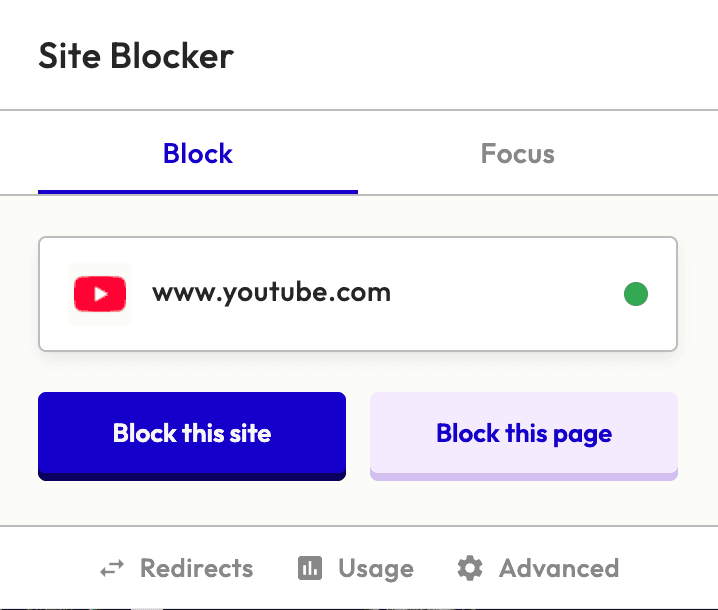
One-click website blocking
Block any website instantly from the browser popup. Visit a distracting site, click the Site Blocker icon, and add it to your blocklist in a single click. No need to open settings or navigate menus — blocking is always one click away.
- Block the current site directly from the popup
- Block entire domains or specific pages
- Manage your blocklist from the settings page
- Instant blocking — no page reload required
Example rules
reddit.com/r/funnyshorts^https?://([^/]*\.)?(twitter|x)\.com/Advanced blocking rules
Go beyond simple domain blocking. Site Blocker supports multiple rule types so you can block exactly what distracts you — whether that's an entire site, a specific page, or any URL matching a pattern.
- Hostname blocking — block entire domains
- URL path blocking — target specific pages
- Keyword (contains) blocking — match any part of the URL
- Regex blocking — full regular expression support
- Allow rules — create exceptions that override blocks
- Smart priority system ensures the right rule always wins
URL redirect rules
Instead of just blocking a site, redirect it to somewhere productive. Trying to visit Twitter? Get sent to your project management tool instead. Heading to Reddit? Land on your study notes. Redirects turn bad habits into good ones automatically.
- Set custom redirect destinations for any blocked site
- Redirect to productive alternatives automatically
- Works alongside blocking rules in the priority system
Redirect examples
Focus Mode for distraction-free sessions
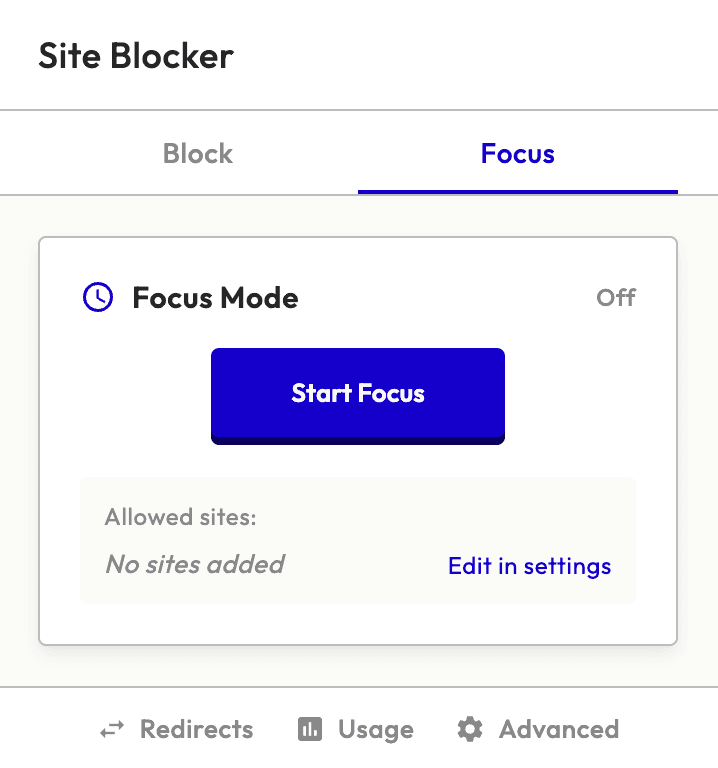
Focus Mode flips the script on website blocking. Instead of blocking specific sites, it blocks everything except the sites you whitelist. Set a timer, enter deep work, and let the extension guard your attention until the session ends.
- Whitelist-only browsing — blocks ALL sites except your list
- Timed sessions: 15, 25, 45, 60, 90, or 120 minutes
- Live countdown timer in the extension popup
- Notification when your focus session completes
- Focus Mode takes highest priority in the blocking system
Local browsing statistics and insights
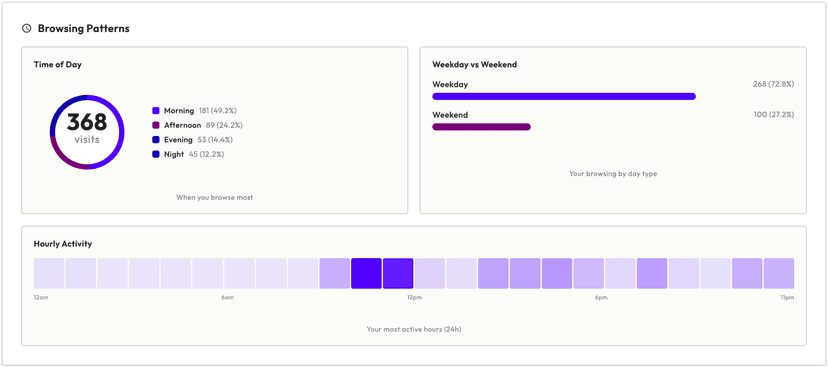
See which sites you visit most with detailed charts and heatmaps. Site Blocker builds these from the last 30 days of your Chrome history, entirely on your device, so you can spot your biggest distractions and block them — without sending any of it to us.
- Daily visits bar chart with top sites breakdown
- Time-of-day browsing patterns
- Hourly activity heatmap across the week
- One-click blocking from your most-visited sites
- All statistics stored locally — never sent anywhere
Privacy-first website blocker
Any website blocker has to see the pages you open. Site Blocker keeps that on your device: it reads your Chrome history only to draw your usage charts, and stores your rules locally in your browser. No accounts, no cloud sync, no analytics, no tracking pixels, and nothing sent to us. See how that compares in our website blocker comparisons.
We collect nothing
No account and no server of ours. The extension has nowhere to send your data.
Local storage
Settings and rules are stored in chrome.storage.local on your device.
One outside request
Website icons load from Google's favicon service. That is the only request the extension makes.
No tracking code
No analytics, advertising or third-party SDKs are bundled in the extension.
Smart blocking priority system
When multiple rules apply, Site Blocker uses a layered priority system to decide the outcome. Higher layers always win.
Focus Mode
Highest priority
Redirect Rules
Overrides blocks
Advanced Rules
Allow rules can override blocks
Basic Blocklist
Default blocking